Begin
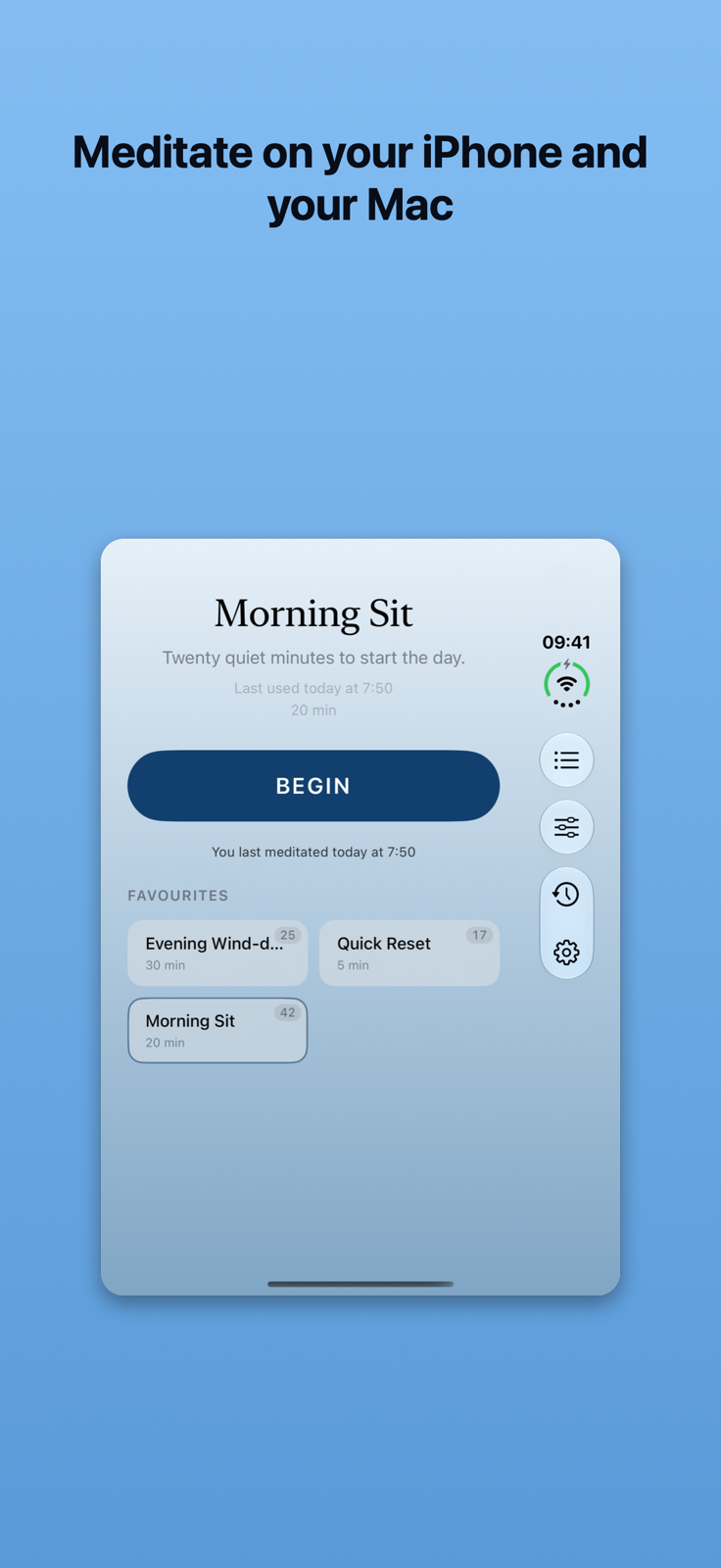
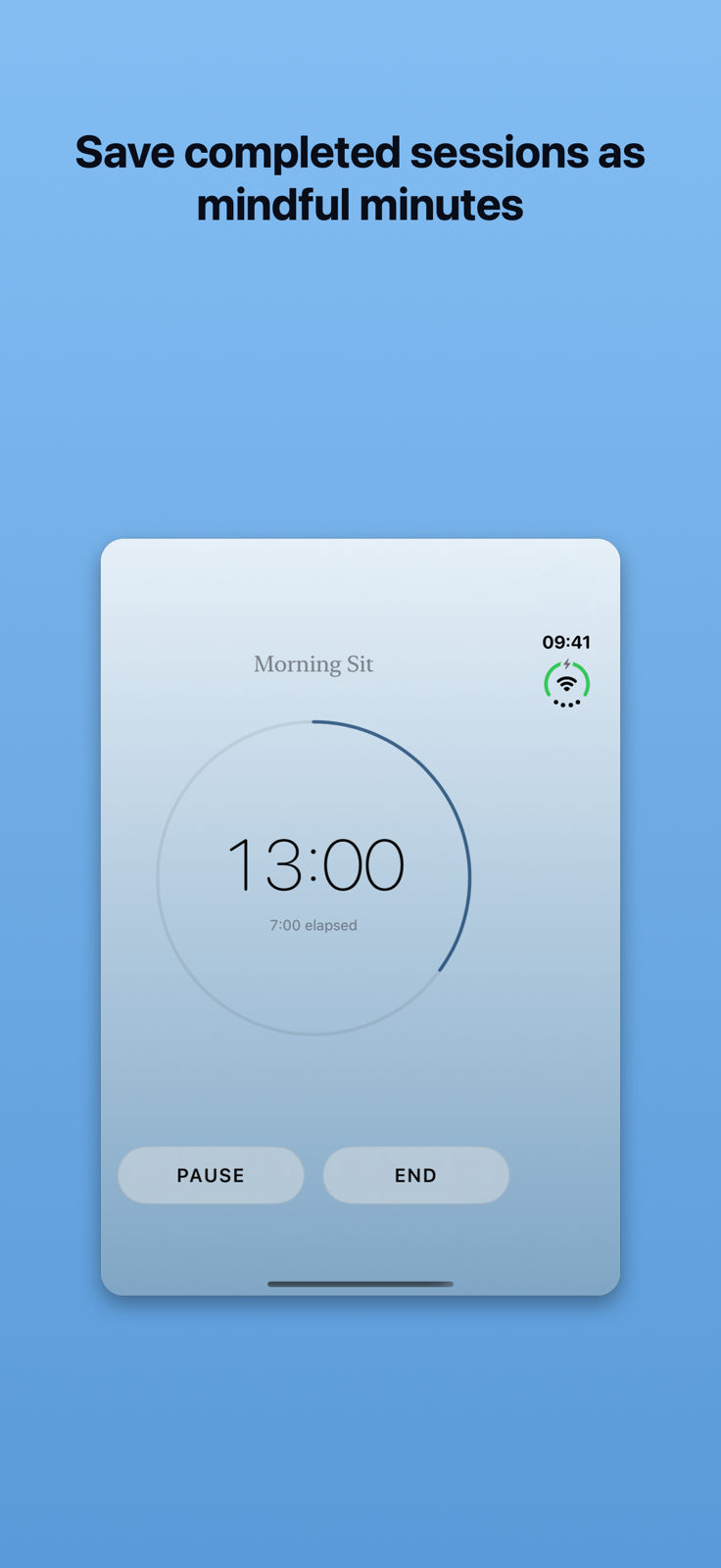
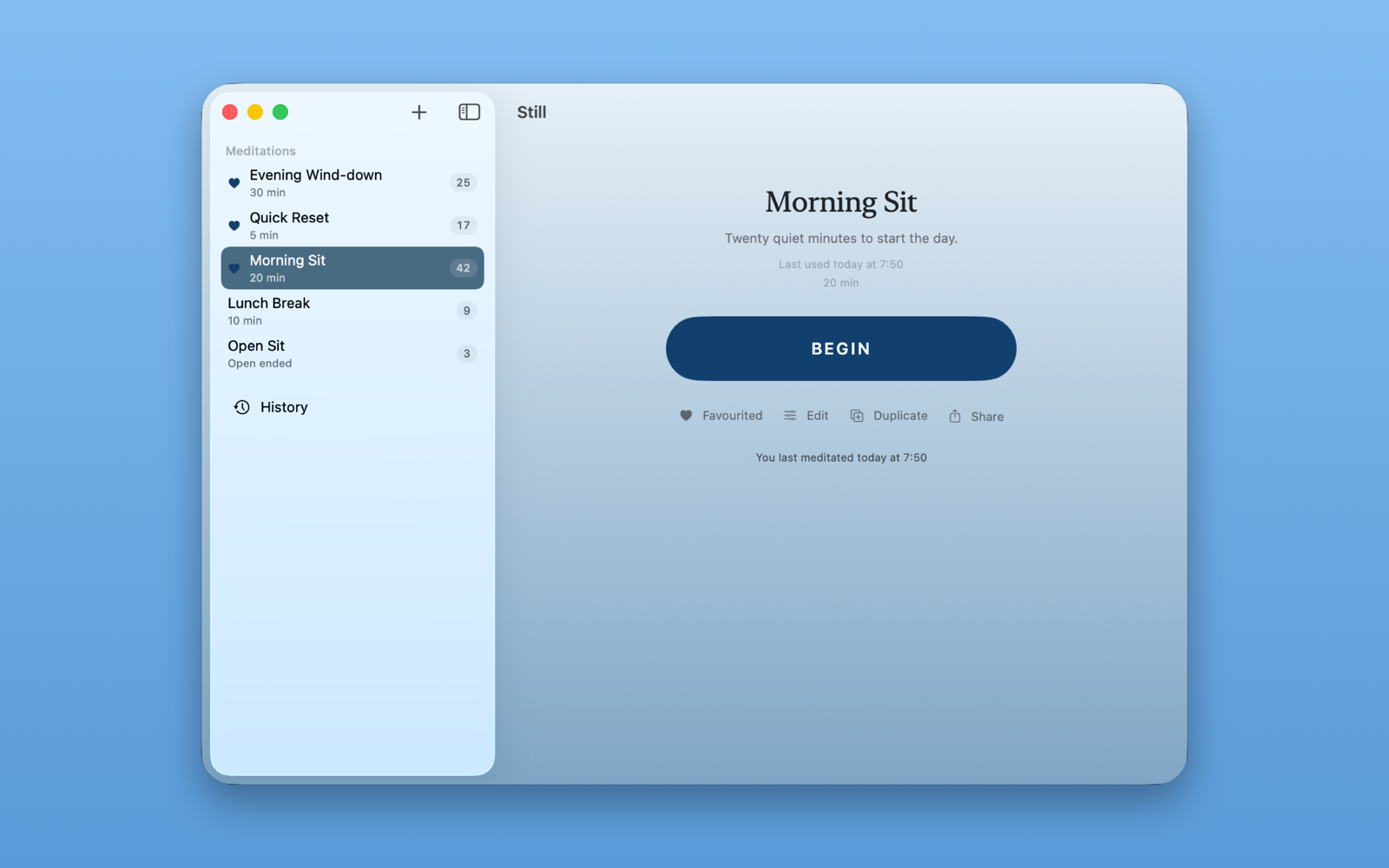
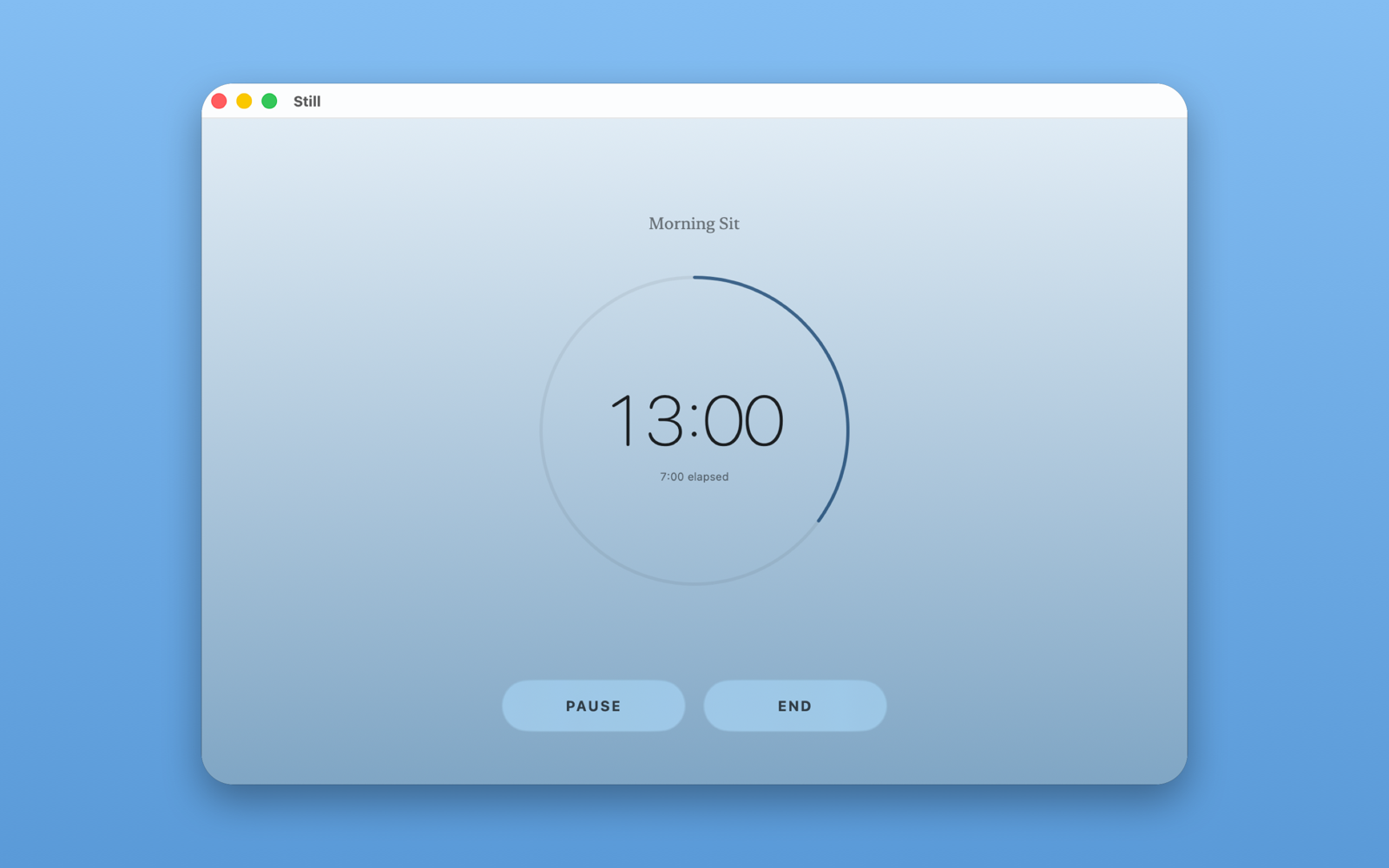
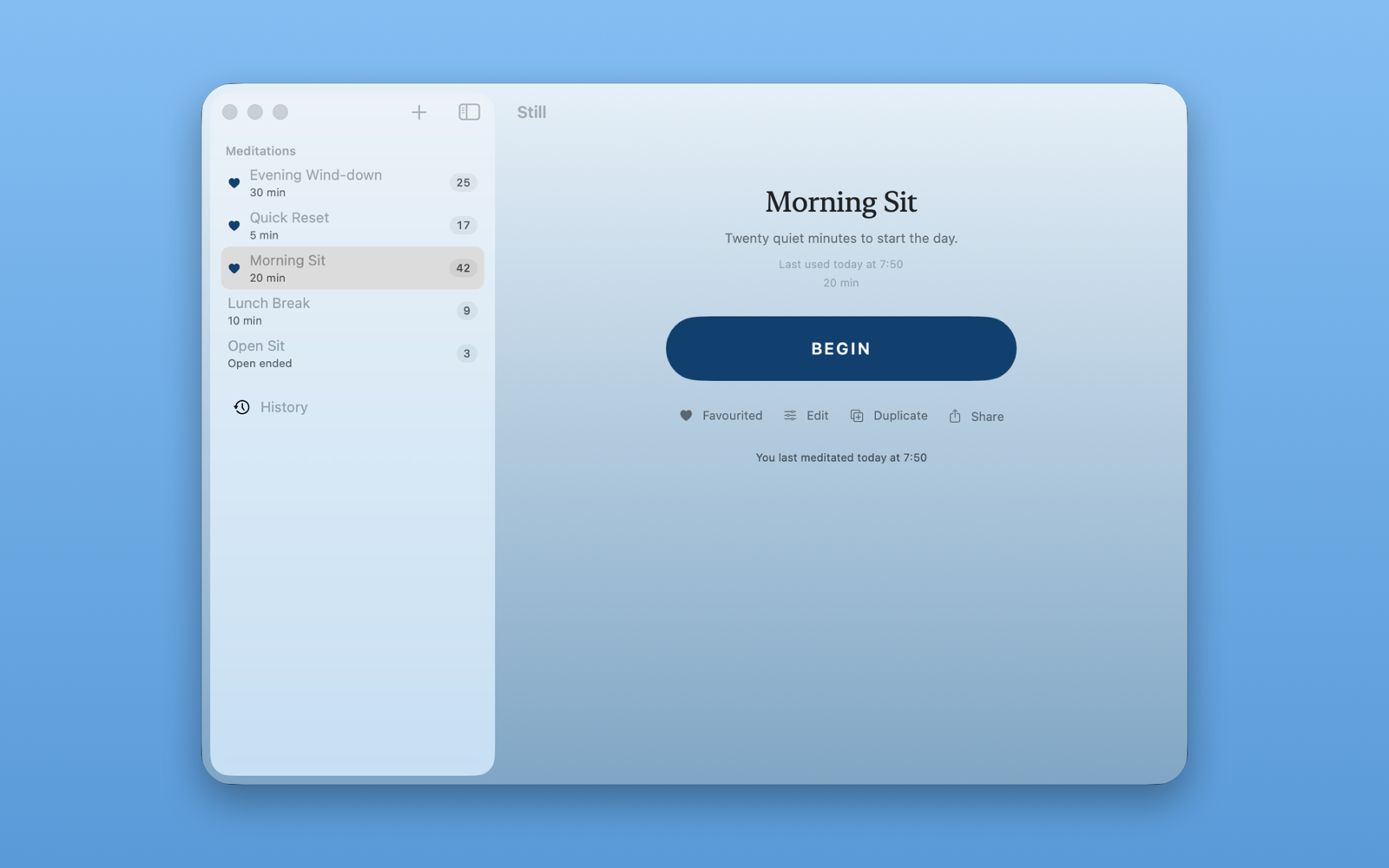
Open Still Timer and the meditation you used last is already selected. Press Begin. While you meditate you can Pause, Resume or End. When a timed meditation reaches its length, press Close to finish it.
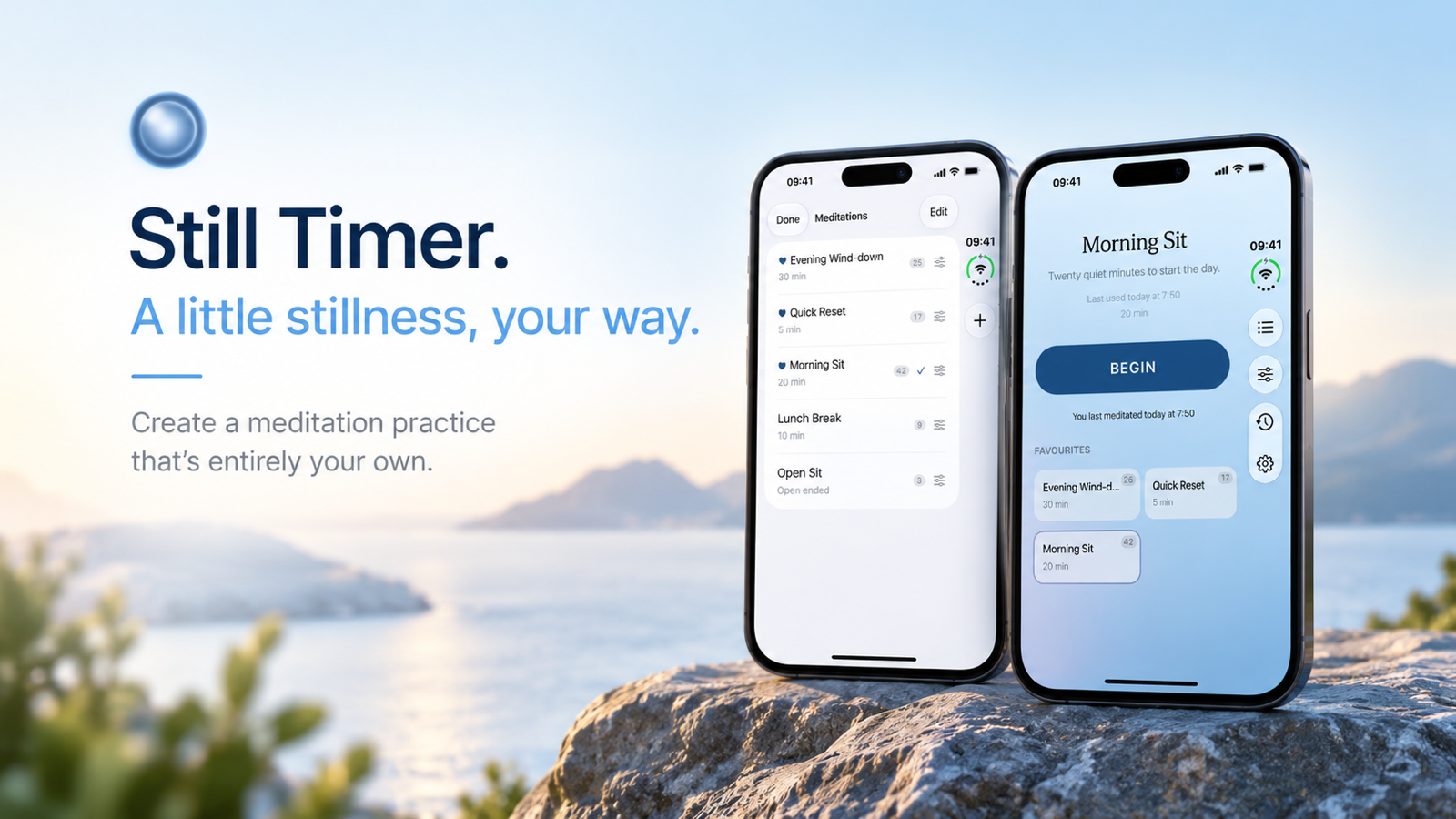
A little stillness, your way
Create a meditation practice that's entirely your own. Begin with Daily 8, or build your own with bells, ambient sound, your own audio and reflections.
App Store link placeholder — not published: the “Open on App Store” link for Still Timer goes here once its App Store URL is set in App Publisher.
Still Timer. A little stillness, your way.
Create a meditation practice that's entirely your own. Still Timer is simple to begin with and free to shape as much or as little as you wish, whether you are sitting for the first time or have meditated for years.
START SIMPLY
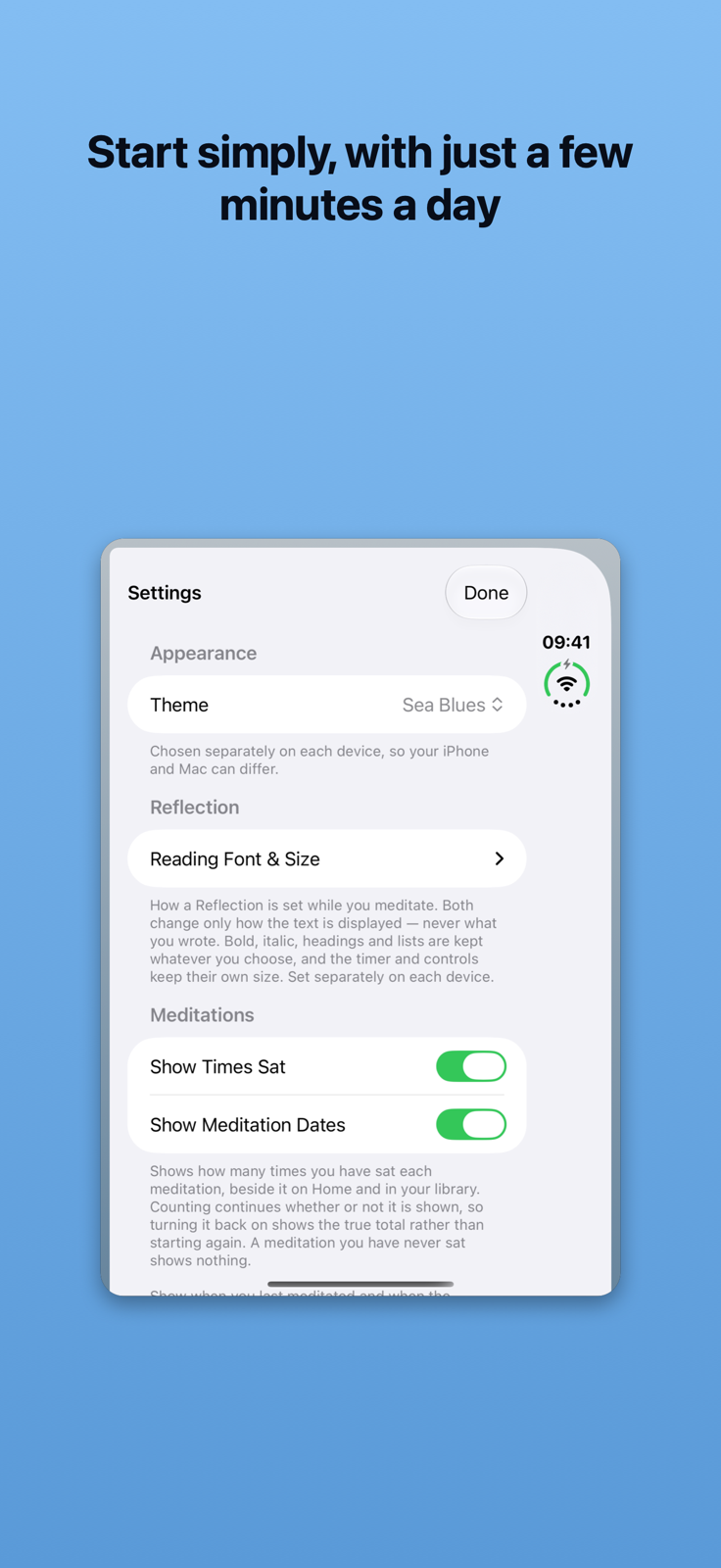
Add Daily 8, a ready-made eight-minute meditation with gentle birdsong and singing-bowl bells, and press Begin. Still Timer remembers the meditation you used last, so most days it is one tap.
MAKE IT YOUR OWN
IPHONE, IPAD AND MAC
Your meditations, history, imported sounds and settings stay in step across your devices through your own iCloud account.
APPLE HEALTH
On iPhone and iPad, Still Timer can save your completed meditation time to Apple Health as mindful minutes. It never reads your Health data, and you can turn this off for everything or for any single meditation.
YOUR HISTORY
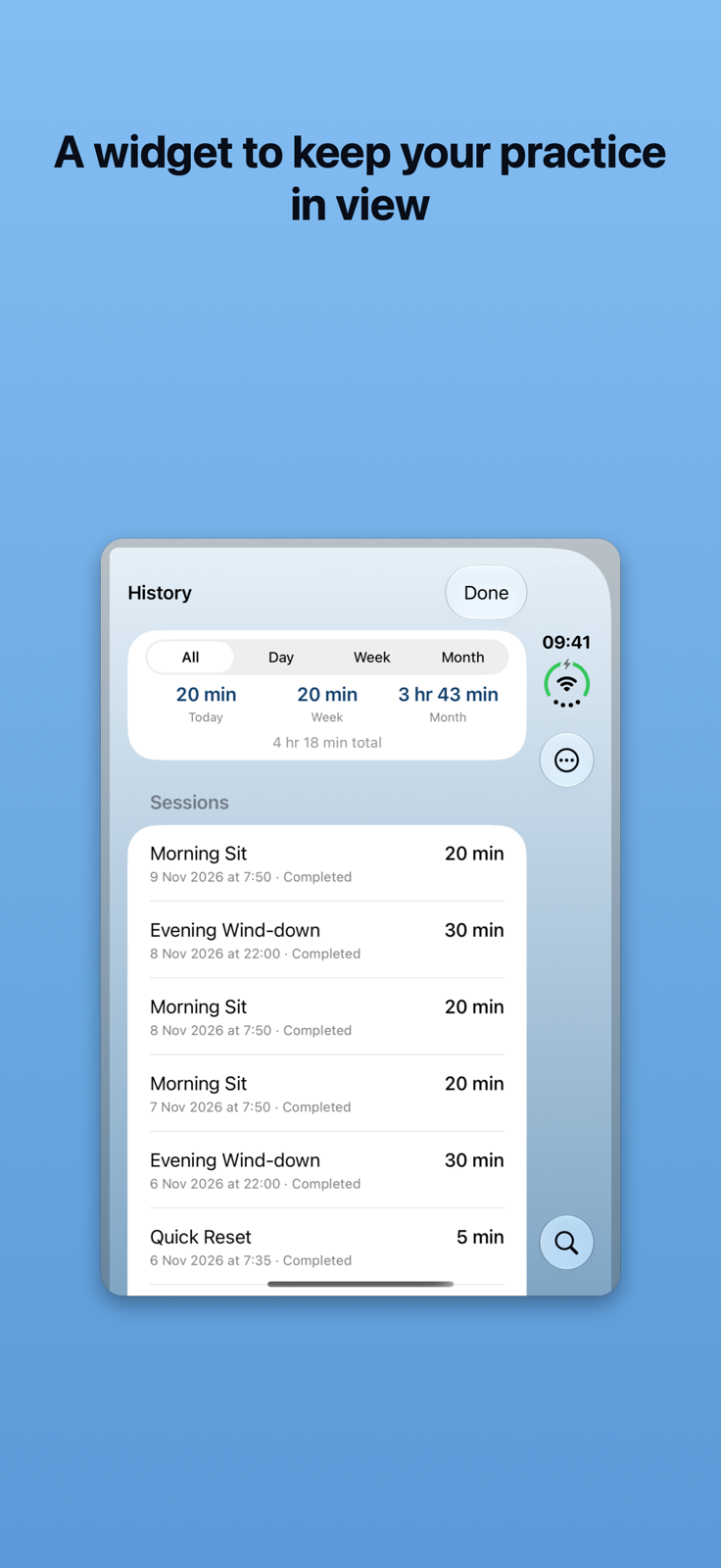
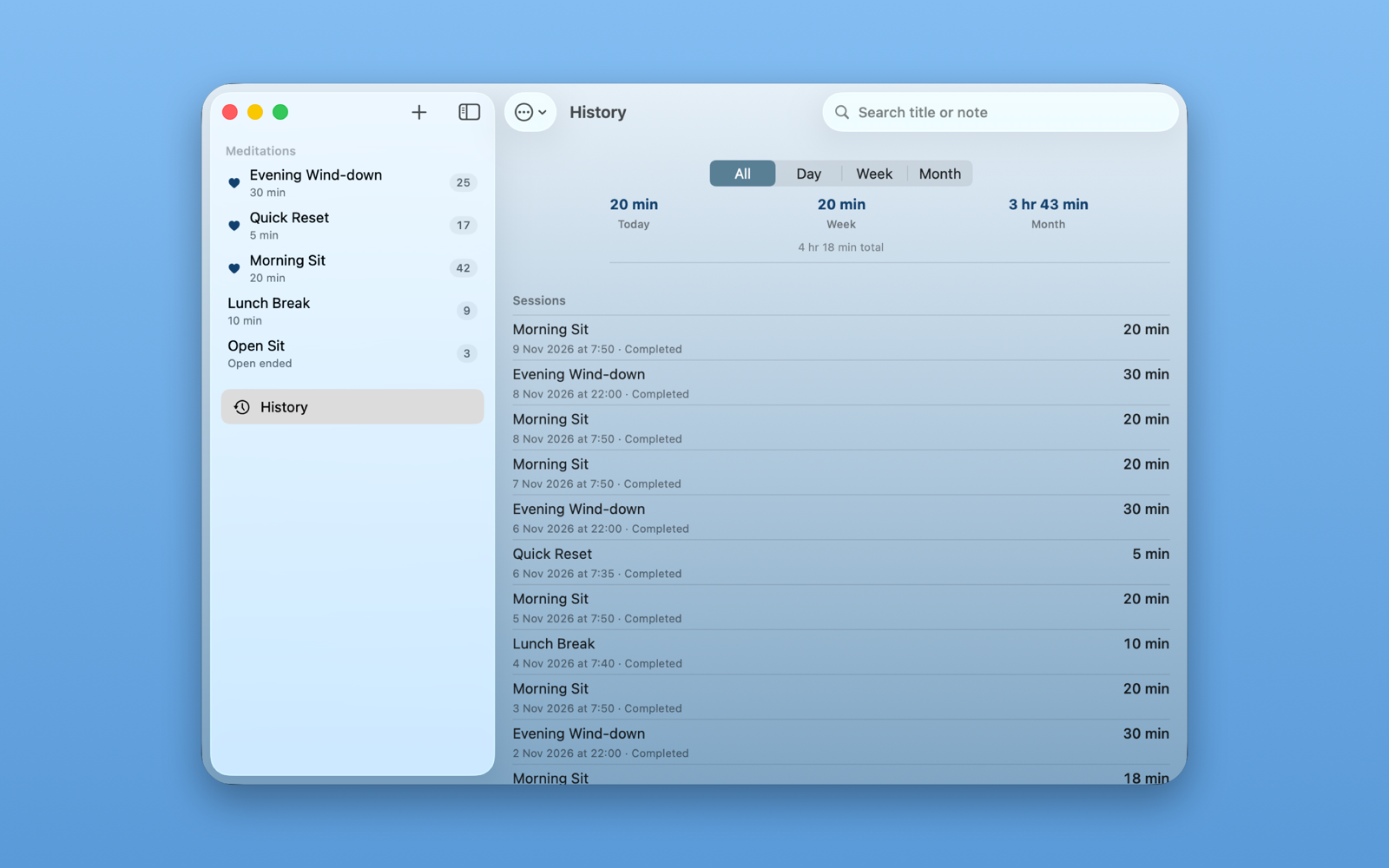
Every sit you complete is kept in your history, which you can export as a PDF.
PRIVATE BY DESIGN
No account, no ads and no analytics. Your meditations stay on your devices and in your own iCloud account.
NO SUBSCRIPTION
Still Timer has no subscription.
App Store link placeholder — not published: the “Open on App Store” link for Still Timer goes here once its App Store URL is set in App Publisher.
Open Still Timer and the meditation you used last is already selected. Press Begin. While you meditate you can Pause, Resume or End. When a timed meditation reaches its length, press Close to finish it.
Each meditation can have its own start, interval and end sounds, each with its own volume and number of repeats. Choose from the built-in bells, bowls and gongs, or import your own sounds.
Choose ambience from the built-in library (birdsong, rain, ocean waves, a gentle breeze, crickets and more) or use your own music and recordings. Set the volume and fade in and out.
Any meditation can carry a reflection: formatted text you read and scroll while the meditation runs.
For each meditation you can set a Start URL and an End URL. Still Timer opens the Start URL when the meditation begins and the End URL when you close it. A Shortcuts link such as shortcuts://run-shortcut?name=Wind%20Down runs an Apple Shortcut, and web addresses work too. If a link cannot be opened, the meditation carries on regardless.
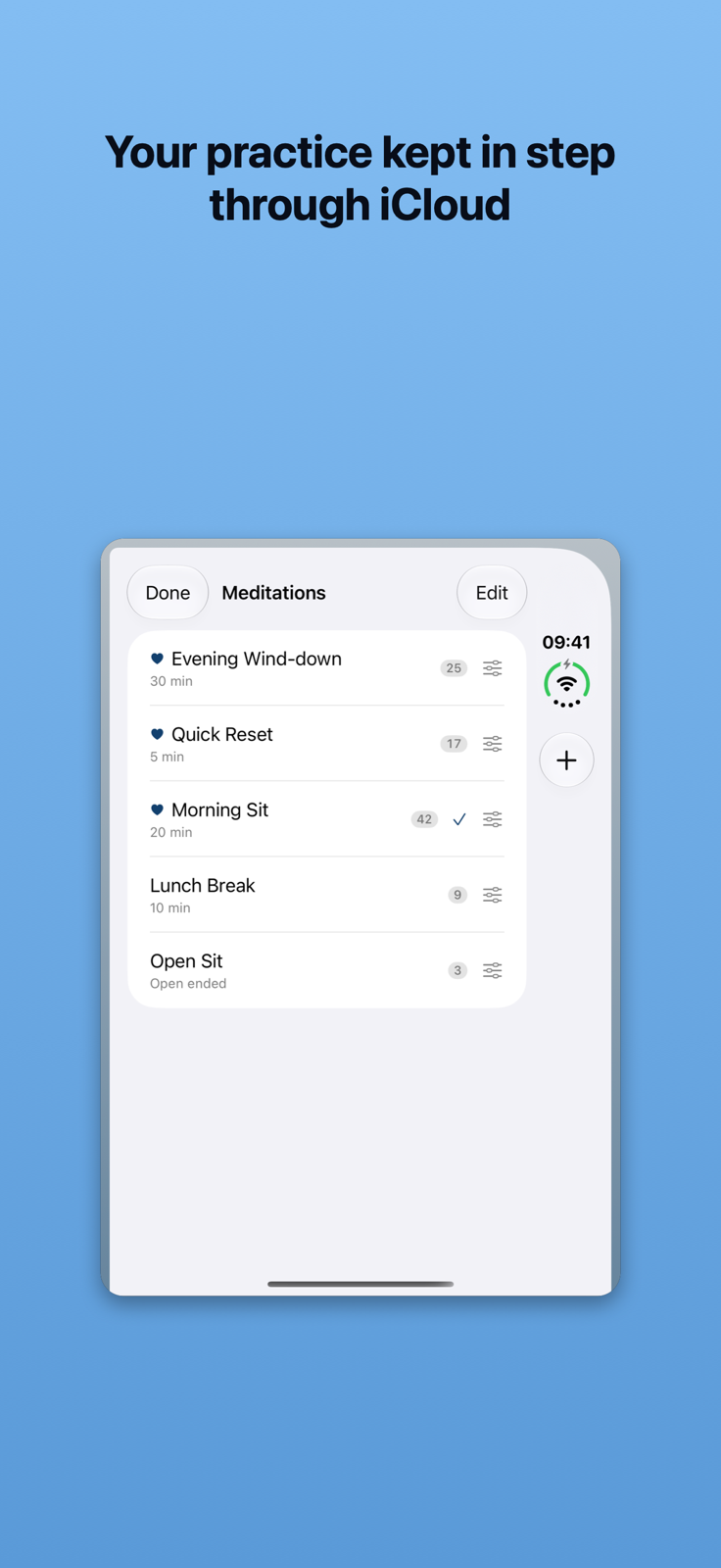
Mark meditations as favourites to keep them at the top. The Favourites widget shows your favourite meditations; tap one to open Still Timer, ready to begin.
Every meditation you complete is recorded in your history. You can export your history as a PDF, delete individual entries or clear it.
On iPhone and iPad, Still Timer can save your completed meditation time to Apple Health as mindful minutes. It never reads any Health data, and the Mac app does not write Health data. Turn this off for everything in Settings, or for a single meditation in its editor under Apple Health ▸ Record Mindful Minutes.
Still Timer runs on iPhone, iPad and Mac. When you are signed in to iCloud, your meditations, history, imported sounds and settings stay in step across your devices through your own iCloud account.
You can share a meditation as a file, and make or restore a backup of your library.
The first release of Still Timer.
Contact: support@philg.com
When you get in touch, please say whether you are using iPhone, iPad or Mac, which system version you have, the version of Still Timer, and what happened.
Email: support@philg.com
Effective date: 9 November 2026 [pending confirmation]
Developer: Phil Goddard [pending confirmation]
This policy explains what happens to your information when you use Still Timer on iPhone, iPad and Mac.
Still Timer has no account, no advertising, no analytics and no tracking, and it includes no third-party packages. The developer does not receive your meditations, history, settings or diagnostic logs.
Your meditations, meditation history and imported sounds are stored on your device. If you use iCloud, they are also stored in your private CloudKit database in your own iCloud account, so they stay in step across your devices. Your settings sync through iCloud key-value storage. iCloud is provided by Apple under Apple's own terms and privacy policy.
Each recorded session includes a random identifier for the device it was recorded on, kept with your private iCloud data, so Still Timer can tell your devices apart. It is not linked to you by the developer.
On iPhone and iPad, if you allow it, Still Timer saves your completed meditation time to Apple Health as Mindful Minutes. Still Timer does not read data from Apple Health. The Mac app does not write Health data. You can turn this off in Still Timer's Settings, for a single meditation, or in your device's Health privacy settings.
Still Timer schedules Time Sensitive notifications on your device to sound meditation bells and, on iOS 27, to support optional Apple Shortcuts automation, which is off unless you turn it on. Still Timer also receives silent push notifications through Apple so that iCloud changes from your other devices arrive.
If you turn on sharing with Being Me, Still Timer writes to your private database in the Being Me iCloud container (iCloud.com.philg.BeingMe): the date and time of your last meditation and, if you choose, its name and duration, together with a random identifier for this installation. Nothing is written unless you turn this on.
If you give a meditation a Start URL or End URL, Still Timer opens that address when the meditation begins or when you close it. Those addresses may be other apps or third-party websites that you choose; what they do is governed by their own terms and policies.
Still Timer reads audio files only when you choose to import them. Exported meditations, backups and history PDFs are created only when you ask for them, and go wherever you send them.
Still Timer keeps a diagnostic log on your device for three days to help explain problems. It is not sent to the developer automatically; it leaves your device only if you choose to share it.
The starter meditation "Daily 8" is added to your library only if you choose to add it.
Still Timer does not collect personal information from anyone, including children.
If this policy changes, the updated version will be published on this page with a new effective date.
Questions about this policy: support@philg.com
App Store link placeholder — not published: the “Open on App Store” link for Still Timer goes here once its App Store URL is set in App Publisher.